Vectorize the print, from PNG to SVG.
Upload the image or pick an extracted piece and use Vectorize. The art's colors become vector shapes, and you download an SVG to open in CorelDRAW or Illustrator. Crests, logos and flat-color text benefit the most. Photos and textures lose detail. It costs 1 credit per image.
Updated on
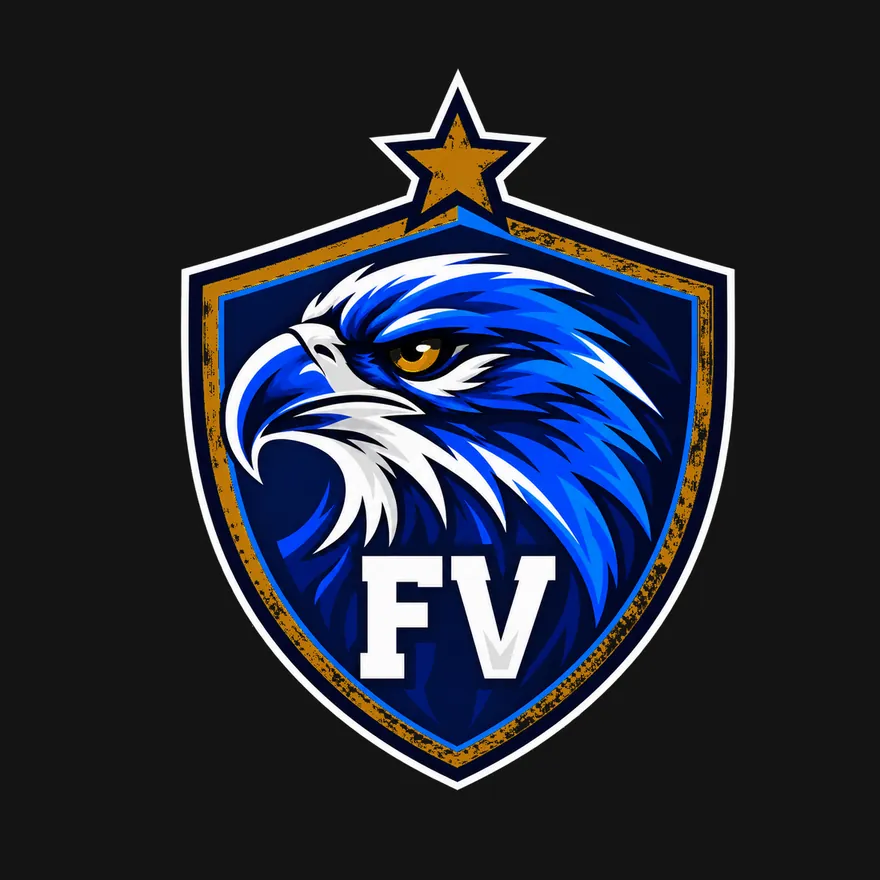
The crest from the photo, in curves.
On the left, the crest cut out of a photo, pixels showing. On the right, the same art after Vectorize.

Vectorize, remove the background or upscale?
Each tool fixes one problem with the art you received. The cost shows before you confirm, and the credit comes back if the tool fails.
Vectorize
Turns the image into vector shapes and downloads as SVG. For cut vinyl or screen-printing screens, turn on Cut-out shapes: each color becomes a separate piece.
- Cost
- 1 credit per image
- Plan
- Available on any paid plan or with pack credits
Remove background
Isolates the design with transparency and downloads as PNG. Works on SVGs too: the background goes and the file stays vector.
- Cost
- 1 credit per image
- Plan
- All plans, including the free trial
Upscale
Raises the resolution so you work with more pixels. Upscaling can't recover detail that isn't in the source image.
- Cost
- 1 credit per image
- Plan
- Available on any paid plan or with pack credits
Blurry art shows up before you download.
Prepare for print checks each artwork at pattern size. Below 150 DPI it shows as blurry, with the DPI and the size, and the screen offers Upscale or As vector.
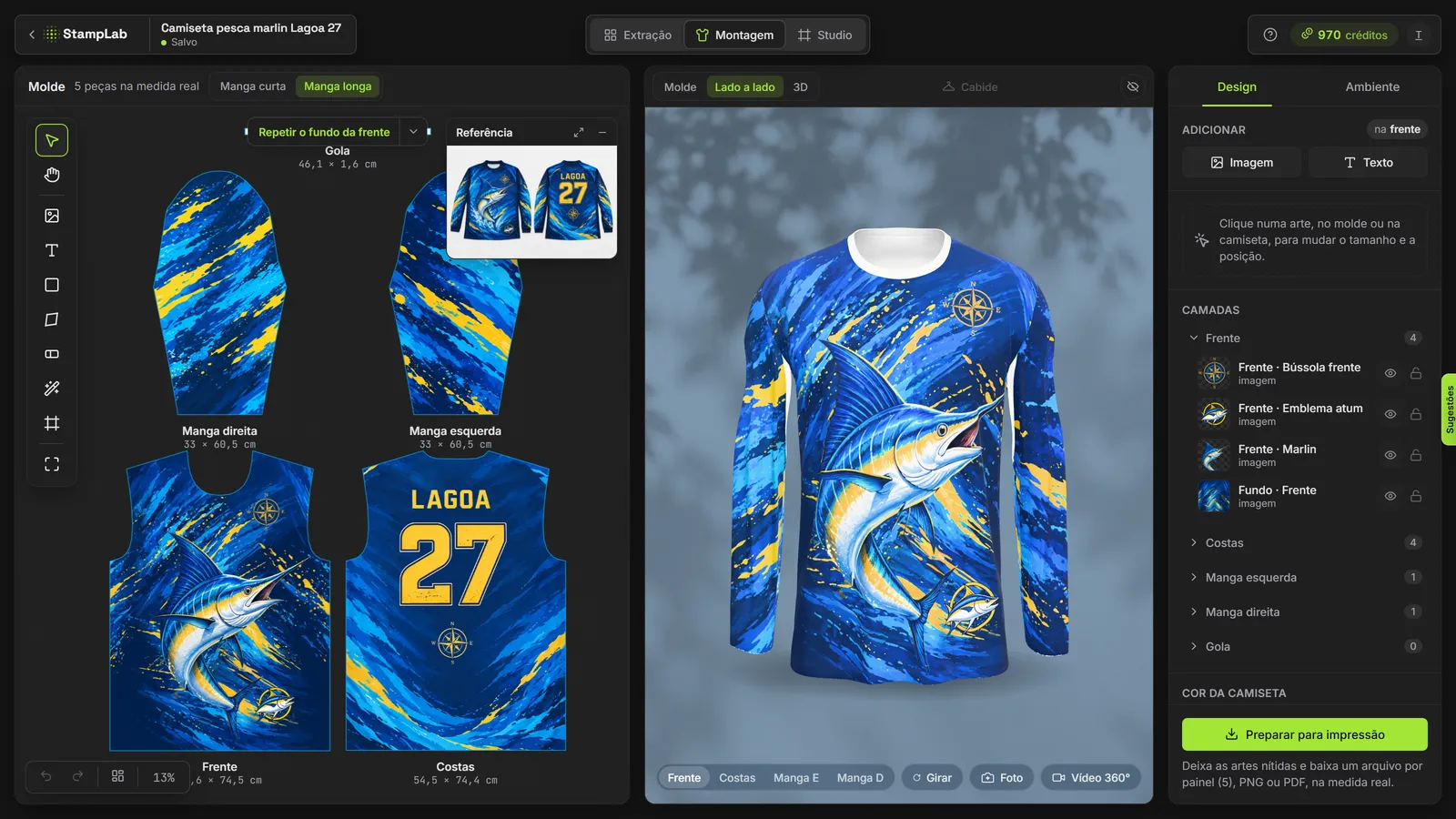
How do you vectorize a print?
- Pick the imageSelect an extracted piece or upload the image on the Vectorize page.
- Pick the useFor vinyl or screen printing, turn on Cut-out shapes. For DTF, sublimation or editing the file, leave it off: colors come out stacked, with no gaps between them.
- Check and runThe cost shows first. Confirm and follow the progress on screen.
- Download the SVGSelect the resulting vector and export as SVG. If you need pixels, use PNG or JPG.
Questions for producers.
Does the SVG open in CorelDRAW?
Yes. The SVG opens in CorelDRAW and Illustrator. With the CorelDRAW plugin, free on every plan, you vectorize and the art goes straight into the open document.
Does every image make a good vector?
Crests, logos and text in flat colors with good contrast benefit the most. Photos, gradients and textures lose detail in the conversion. For those, Upscale usually works better.
What does the Cut-out shapes option do?
Each color becomes a separate piece with nothing underneath, as cut vinyl and screen-printing screens require. For DTF and sublimation, leave it off: colors stay stacked and changing a text doesn't punch a hole in what's below.
Can I vectorize on the free trial?
Vectorize is on the paid plans and credit packs. On the trial account, you get up to 3 watermarked previews, at no credit cost.
Does removing the background ruin the vector?
No. When the input is an SVG, the background goes and the result stays vector. When it's an image, the result is a PNG with transparency.
Didn't find yours? See the help center
Art in pixels? Take it to Corel in curves.
Vectorize, remove backgrounds or upscale, with the cost on screen before you confirm. 15 credits free for 72 hours, no card.
Create my free account