NewStampLab plugin for CorelDRAW 2020 to 2026
AI insideCorelDRAW.
The customer sends the T-shirt photo. You click Extract art and the logo, artwork, text and background arrive separated in your file.
15 credits to try · no card
or with emailThe credits are valid for 72 hours. Already have an account? Sign in
On your phone? Create the account now and download the plugin on your computer.

 stamplab
- 1Select the artwork
- 2Click Extract art
- 3The pieces drop into your file
In the docked panel
Five tools next to your document.
The panel docks inside Corel, with your account and your credits.
15 free credits · no card
Who makes the plugin
StampLab already separates artwork in the browser. Now in Corel too.
Same account, same projects, same credits. What you extract in the plugin shows up in the browser and on your phone.
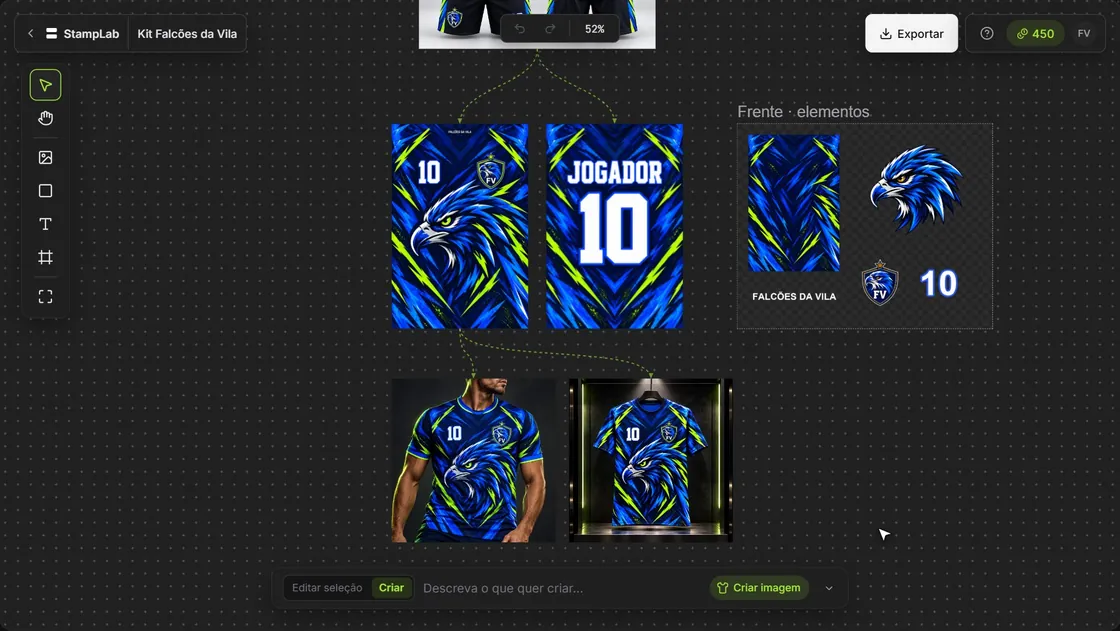 To try right now free credits, no card. Separate elements Each element on its own layer. 3D MockupSpins 360°. Who it's for Print shops, uniforms, sublimation, garment makers, final artwork and design. RecreateSeparateAssembleCreateEditVectorizeMockup



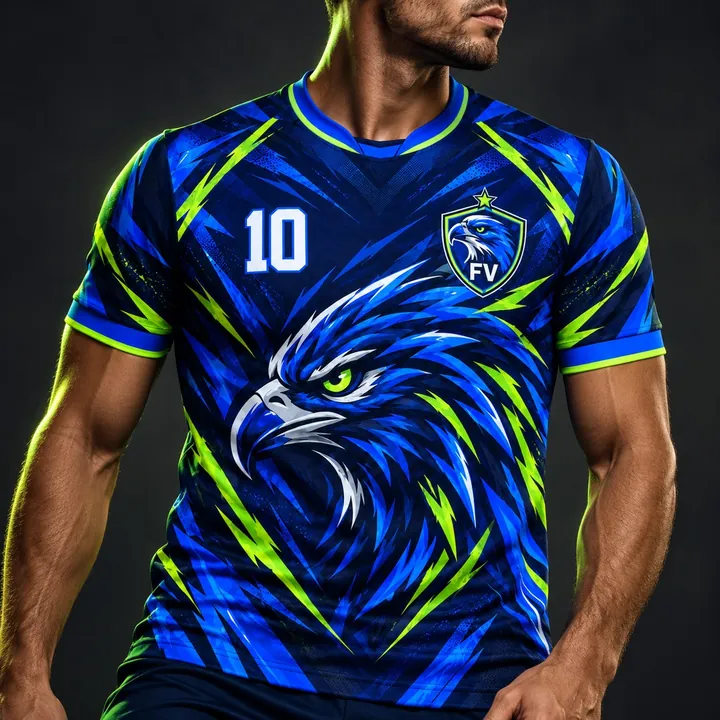 AI MockupThe client approves first. FilePDF, EPS, PNG and SVG for your final artwork software.
What comes out of the photo
One customer photo becomes seven pieces.
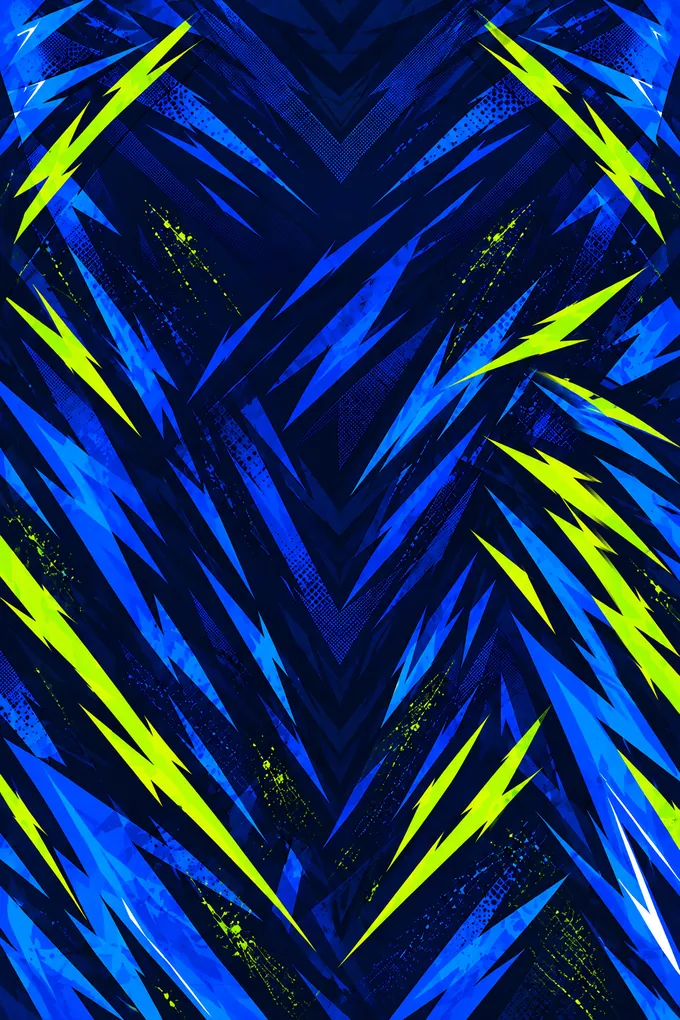
Elements with a transparent background, plus the front, back and sleeve backgrounds. All ready to move and assemble.
- ElementLogo✓ Inserted

- ElementEmblem✓ Inserted

- ElementBall✓ Inserted

- ElementSilhouette✓ Inserted

- BackgroundFront background✓ Inserted

- BackgroundBack background✓ Inserted

- BackgroundSleeve✓ Inserted

Then, in StampLab
Assemble on the pattern and see it in 3D, in the browser.


15 free credits · no card
How it starts
Three steps to your first piece.
- 01Create the accountWith Google or email. You get 15 credits to try.
- 02Install the pluginAfter signing up you land on the download page. Windows 10 or 11, 64-bit.
- 03Open it in CorelWindow›Dockers›StampLab
15 free credits · no card
Questions
Before you install.
Is it really free?
The plugin is free. The tools spend credits: a new account gets 15 to try it, no card, valid for 72 hours. In the trial you can use Extrair arte, Remover fundo, Vetorizar (3 vezes), and Gerar imagem (1 vez). Upscale is on the plans, starting at R$ 49,90 per month with 200 credits, or in the credit packs.
Does it work with my version of Corel?
It works with CorelDRAW 2020 to 2026, on Windows 10 or 11, 64-bit. There is no Mac version.
Do I need to export the art first?
No. You select the image in the document, pick the tool, and the result goes into the same file.
Can I use it without Corel?
Yes. StampLab runs in the browser and on your phone, with the same account. It exports to PDF, EPS, PNG or SVG.
Windows showed a warning during installation. Is that normal?
Yes. The installer is new and Windows shows a warning the first time. Click More info, then Run anyway. The download page shows the step by step.
Got a new image? Separate it in Corel.
Free plugin and 15 credits to try it. No card.
Create my free account